



Siser StripFlock 14.75" Roll (Clearance) -50% Off-
Siser heat transfer supplies
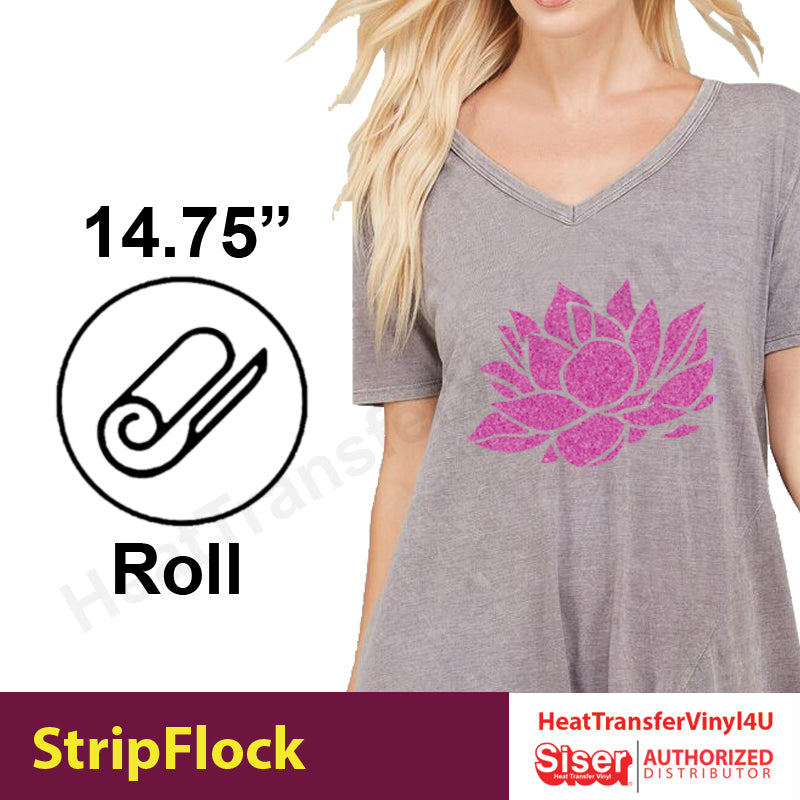
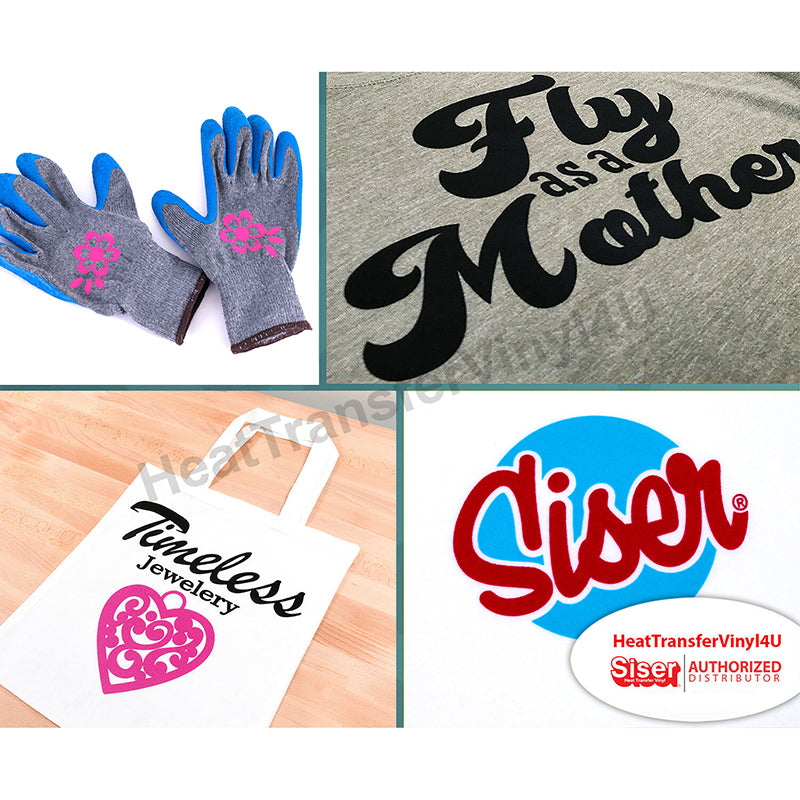
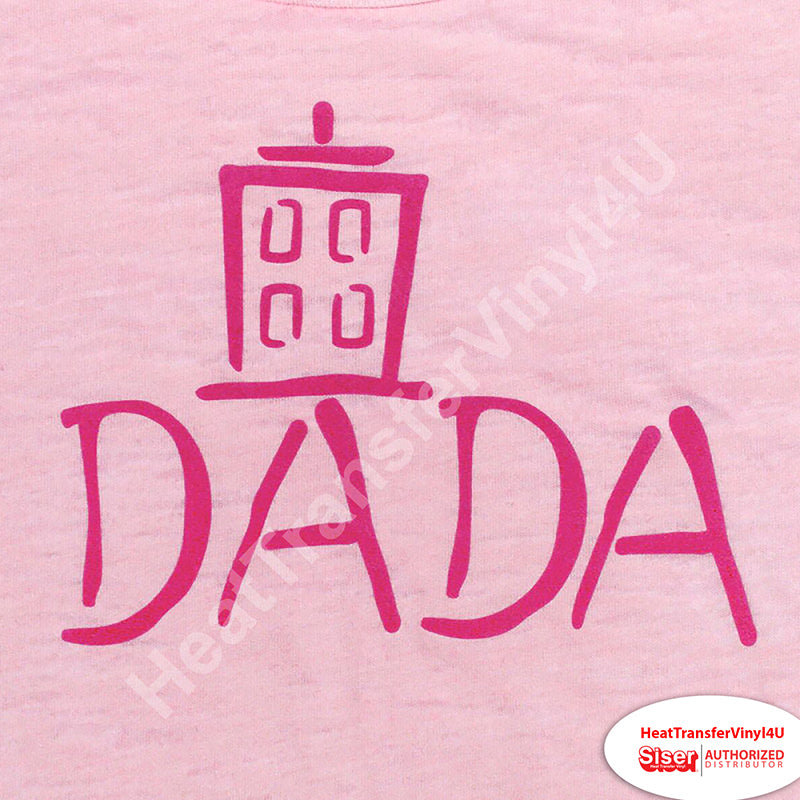
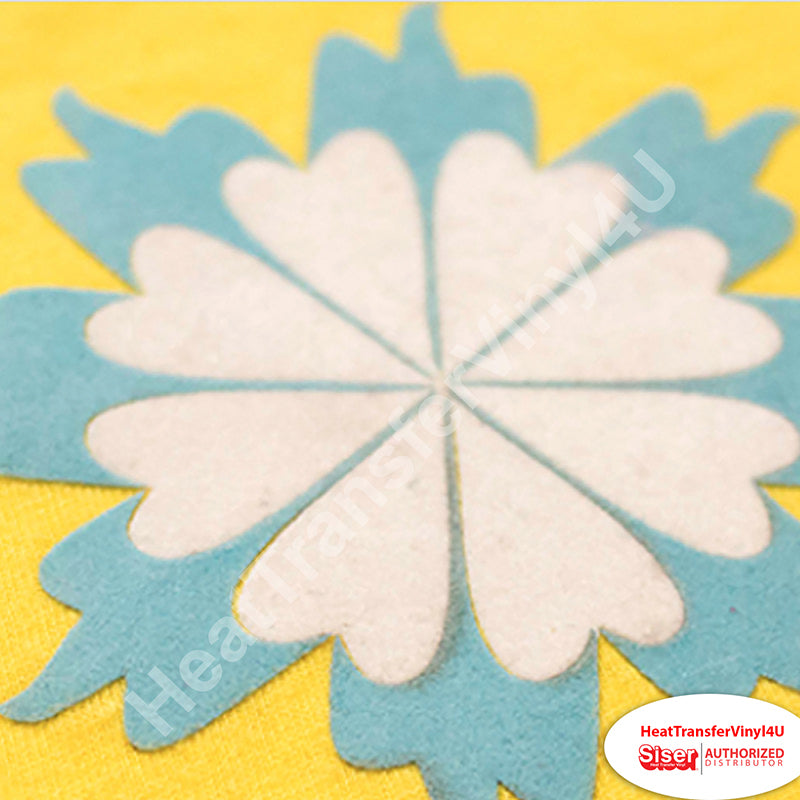
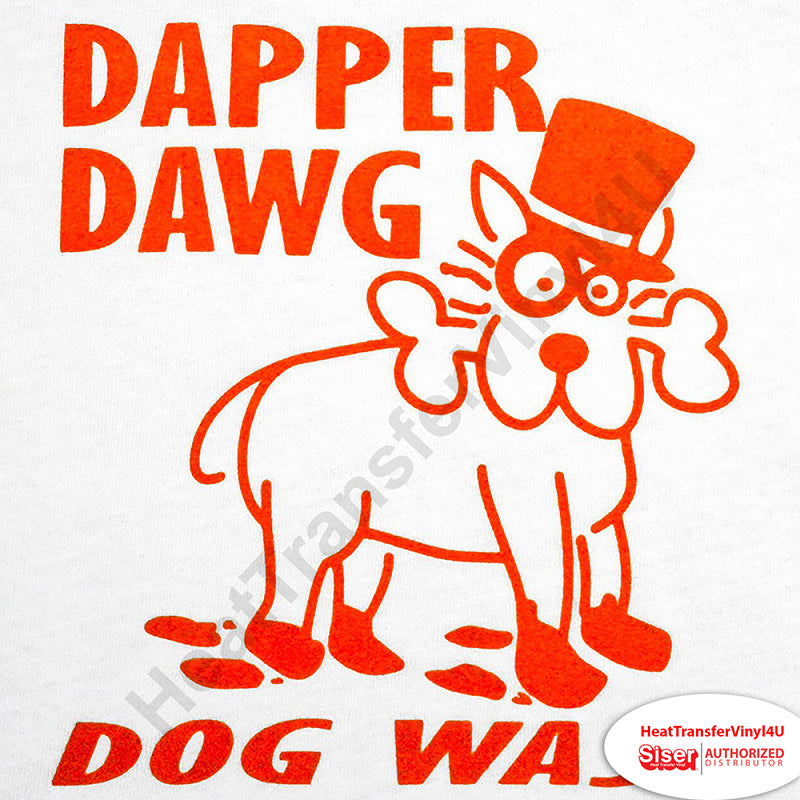
The Only Flock in the Industry that can be Layered On Itself. A great alternative to embroidery, StripFlock heat transfer vinyl gives logos a raised, textured, suede-like feel. This listing is a 14.75"-wide roll, sold by the yard.
📏 14.75" roll by the yard · 🔥 320°F · 10–15 sec · 🎨 2 options
🔥 Overview
About this product
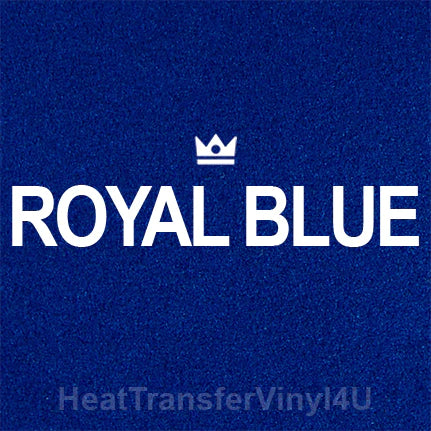
The deep, opaque colors make StripFlock excellent for retro designs or anytime you want a rich look. StripFlock looks excellent on caps, bags, and garments that need textured visual interest. Use Stripflock as a base layer and cover with other materials or more StripFlock!
The ability to layer this material allows you to say “yes” to multi-color designs.
📋 Specifications
Details
🧪 Material
Material properties
- PVC Composition
- Pressure sensitive backing
- Suede-like finish
- 410 Microns/16.1 Mils
- 45°/60° blade
- Can be layered
🔥 Application
Application instructions
Heat press
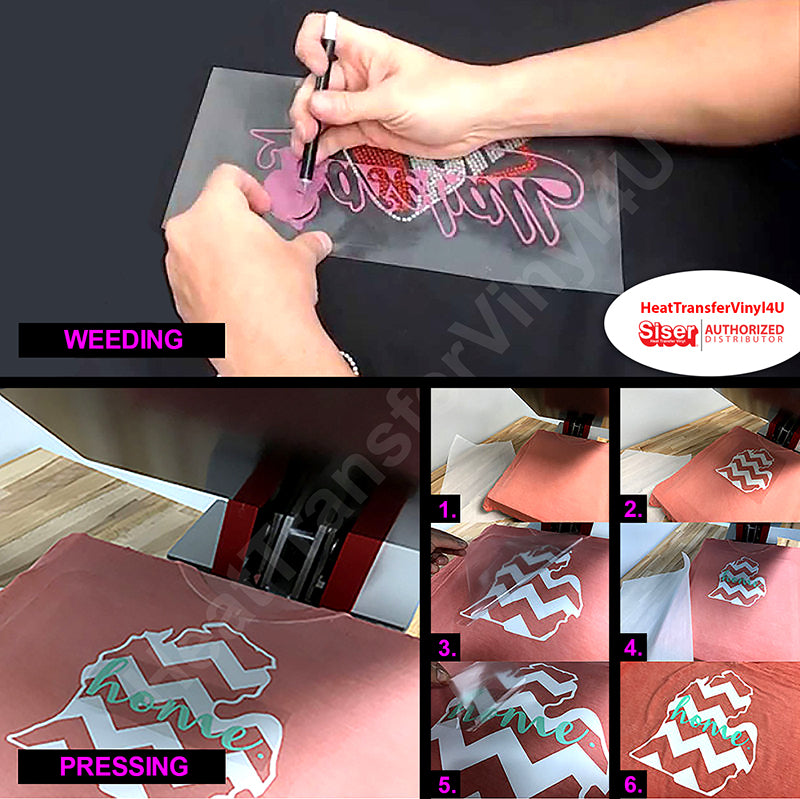
- Cut in Reverse
- Weed excess material
- Preheat garment for 2-3 seconds
- Apply design at 320°F/160°C
- Use medium pressure for 10-15 seconds
- Peel carrier cold
Home iron
- Set iron dial between Cotton and Linen
- Cover design with Kraft paper or non-stick cover sheet
- Place on flat, hard surface (ironing board not recommended)
- Press iron with medium/firm pressure (do not slide iron)
- Press each section of design for 15-20 seconds
- If areas of design lift after application, replace cover sheet and re-press for 10 seconds
- Peel carrier cold
✂️ Cutter settings
Recommended cutter settings
🧺 Fabrics & care
Where it goes & how to wash it
Applies to
- 100% cotton
- Poly/cotton blends
- 100% polyester
- Leather
Laundering
- Wait 24 hours before 1st wash
- Machine wash warm or cold / mild detergent
- Dry on normal dryer setting
- Do not dry clean
🧰 Recommended
Recommended accessories
- Siser Weeder
🎬 Watch
See it in action
Ready to order?
Choose your option above and add it to your cart.
On qualifying orders.
Order by 3 PM PT.
Buena Park, CA.
❓ FAQ
Frequently asked questions
What size is this?
What temperature do I press at?
What can I apply it to?
💬 Contact
Questions about this product?
Our Buena Park team is happy to help with sizing, compatibility, and orders.
