




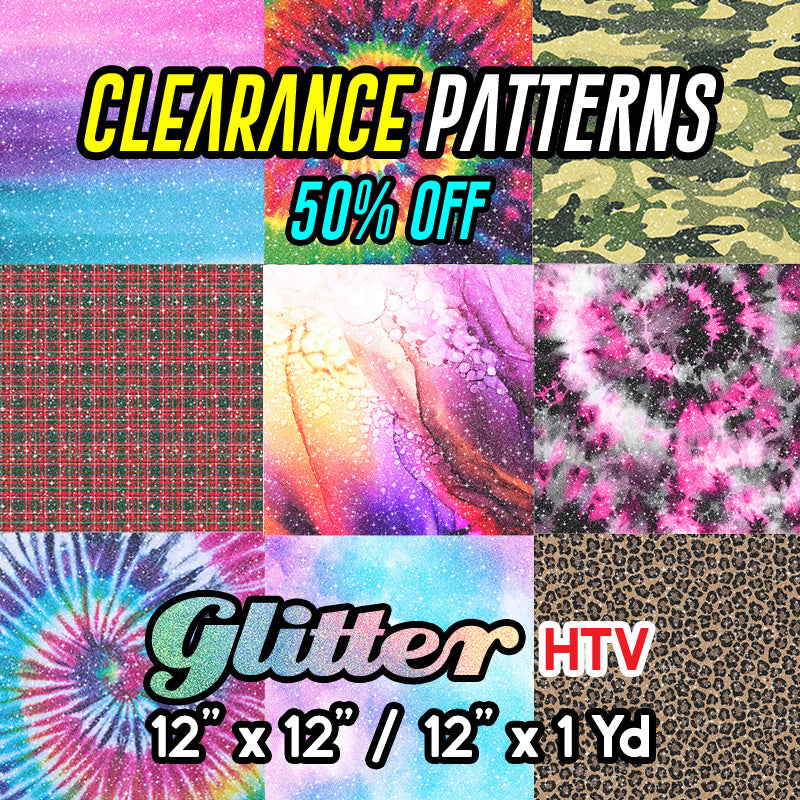
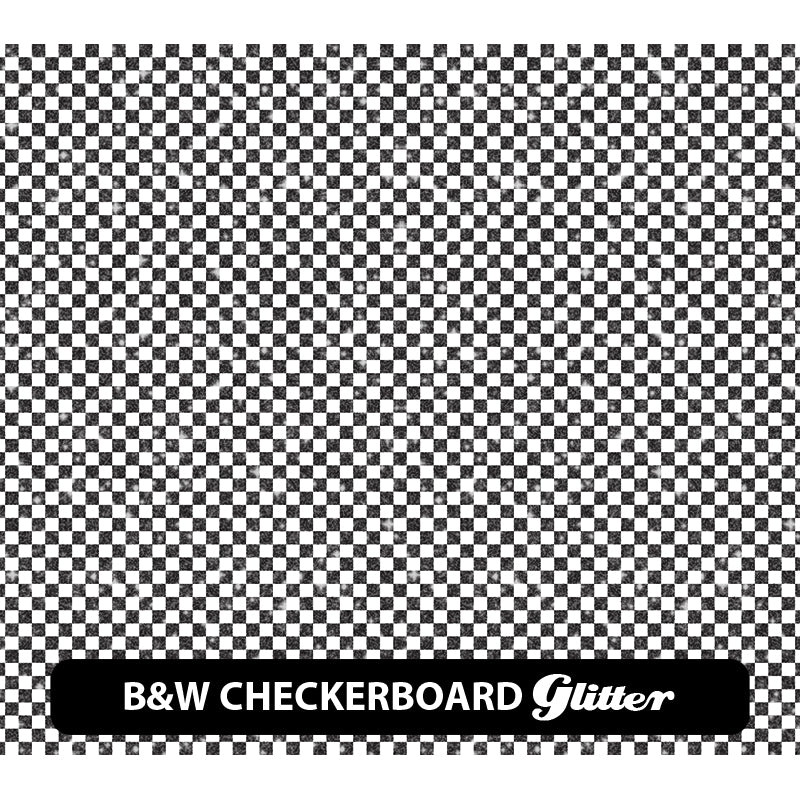
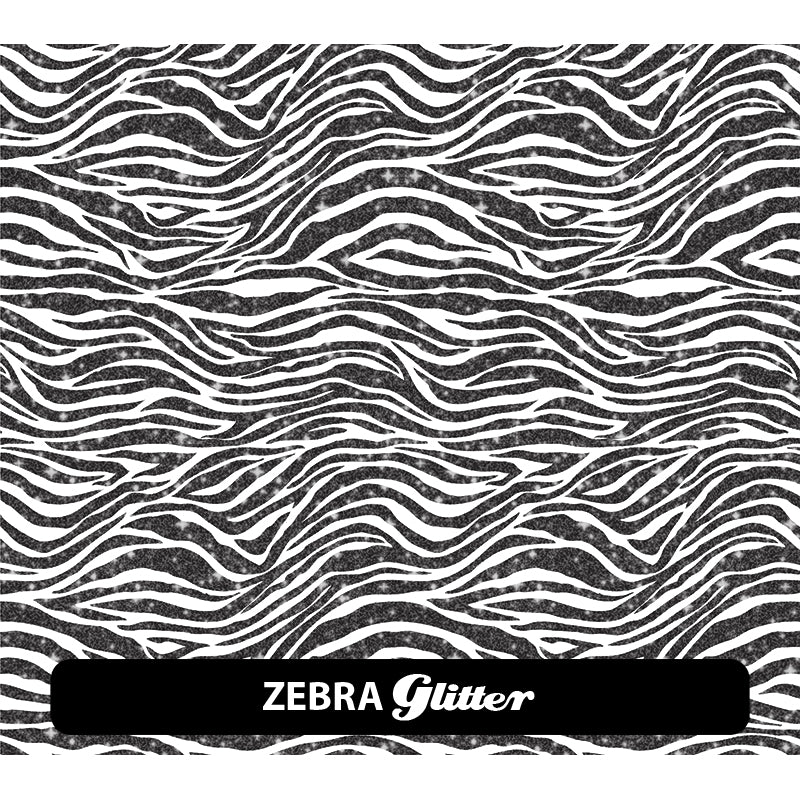
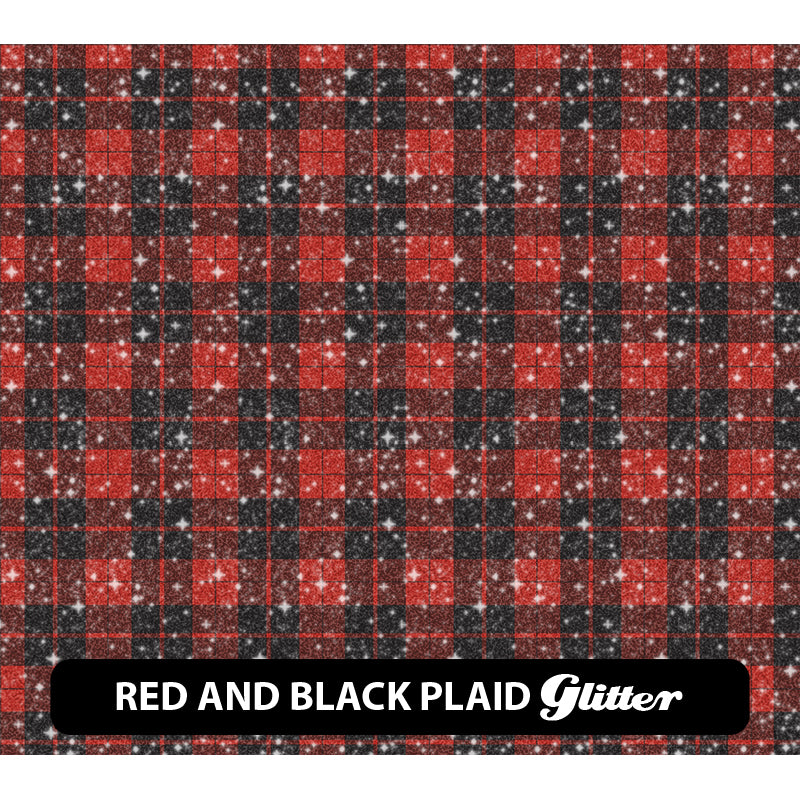
Glitter Patterned HTV (12" x 12"/ 12" x 1 Yd) CLEARANCE *50% off*
Printed on Printable Glitter · HT-Glitter Mask Provided
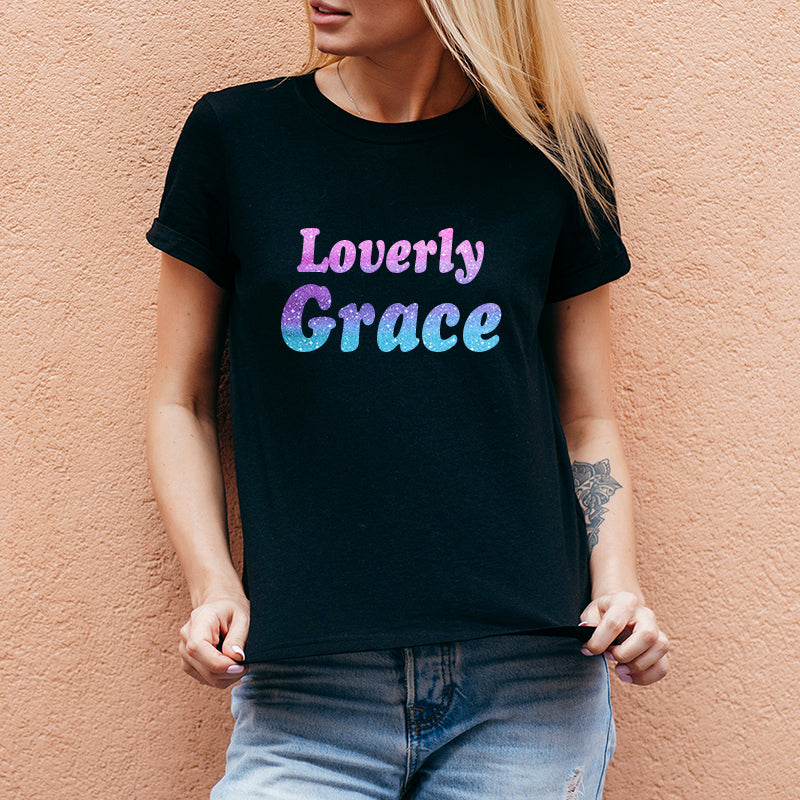
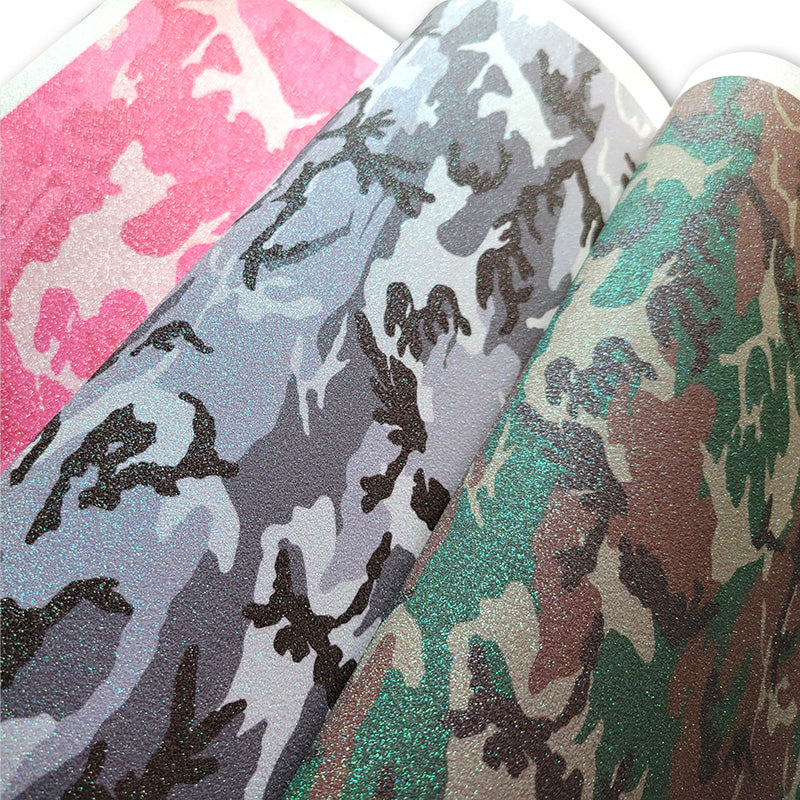
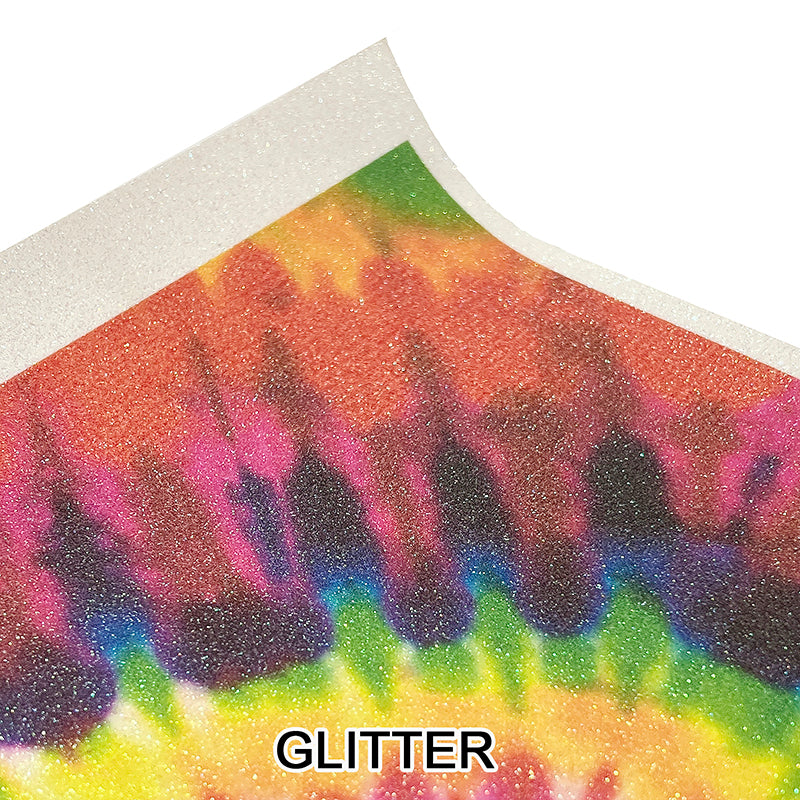
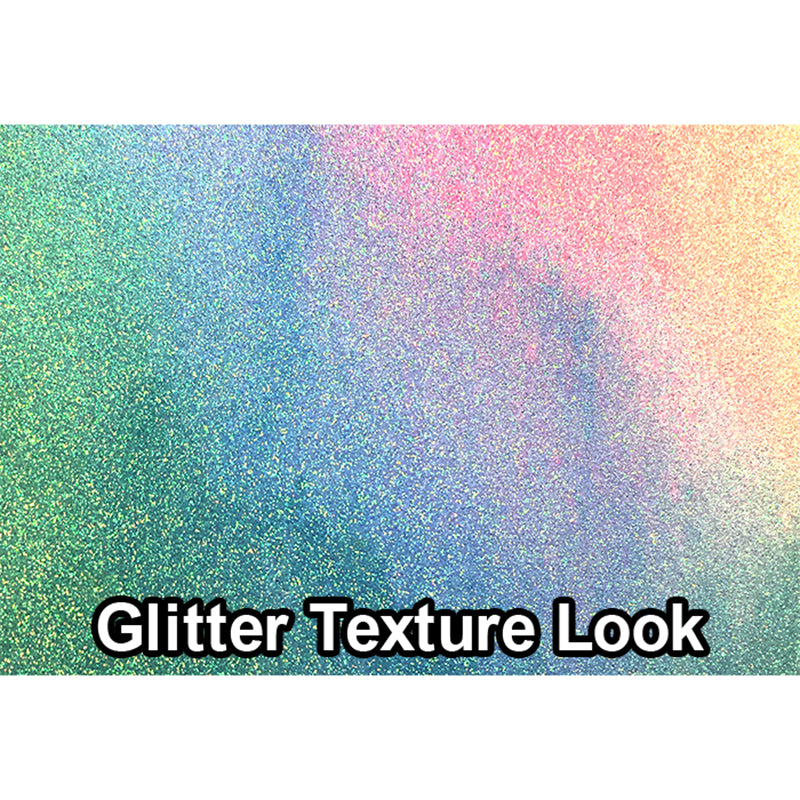
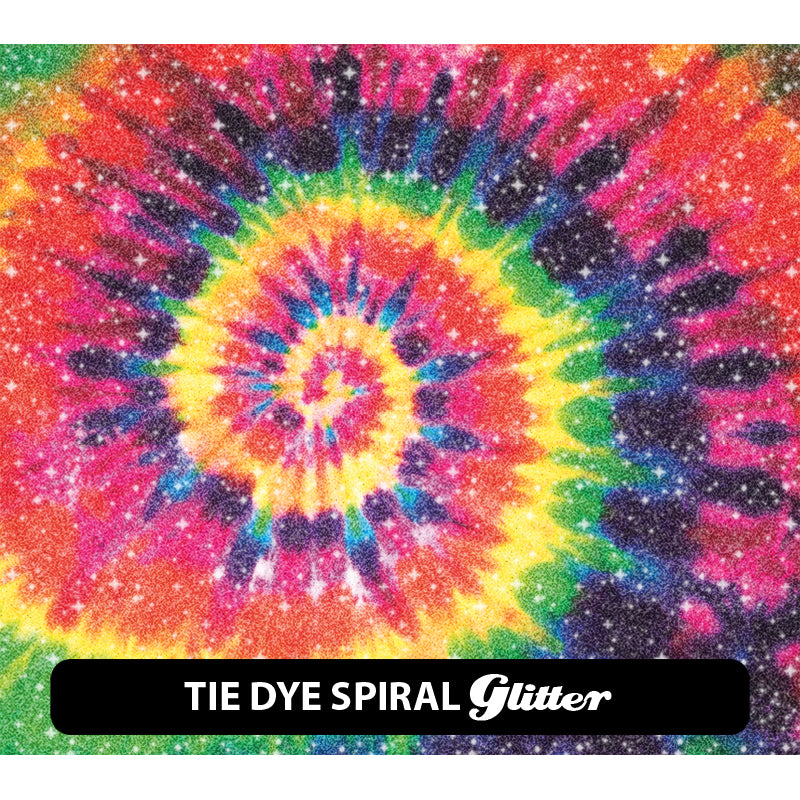
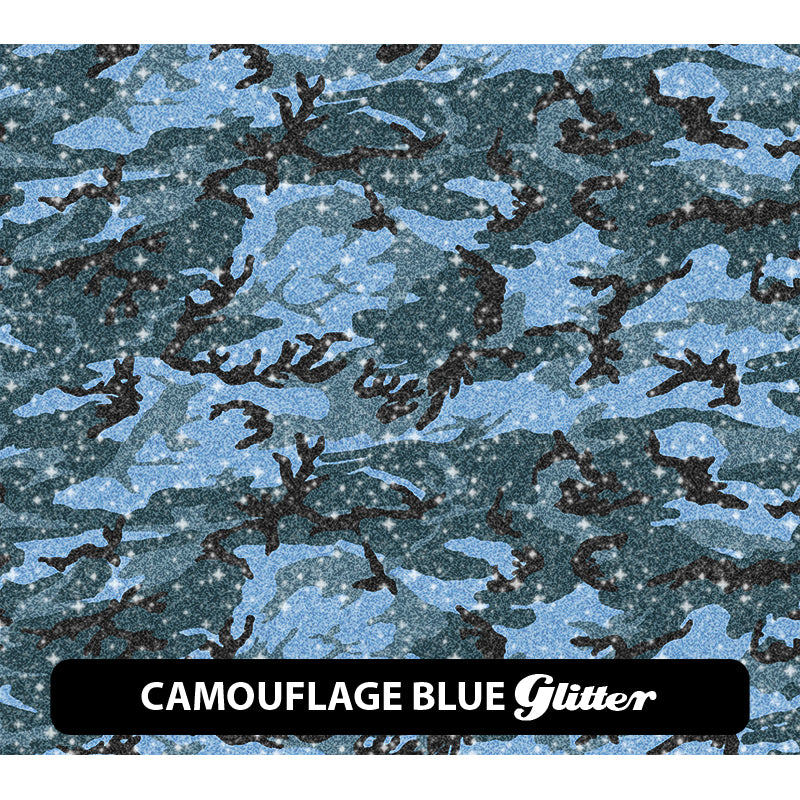
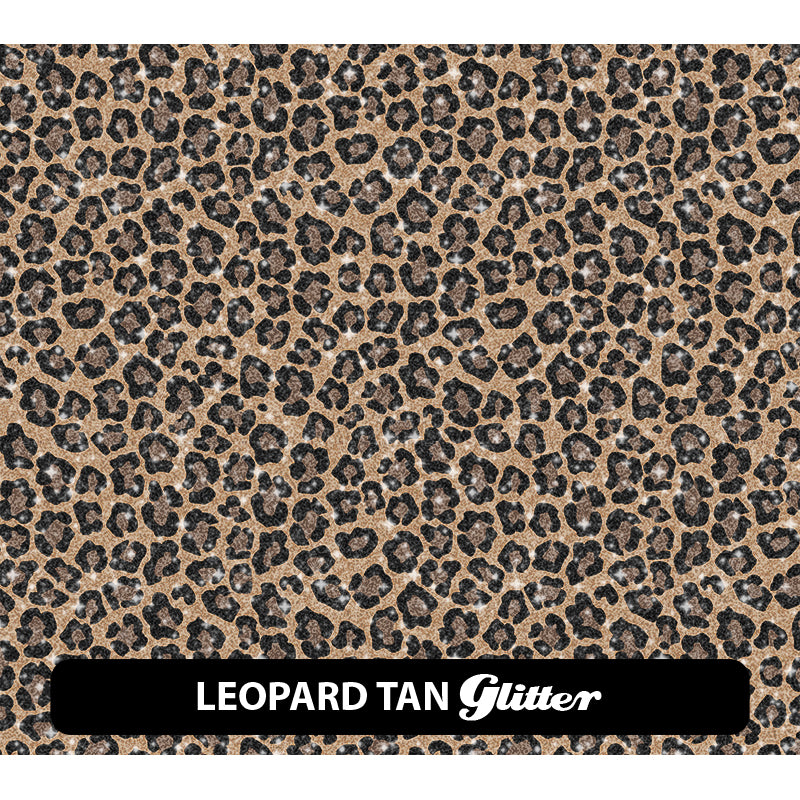
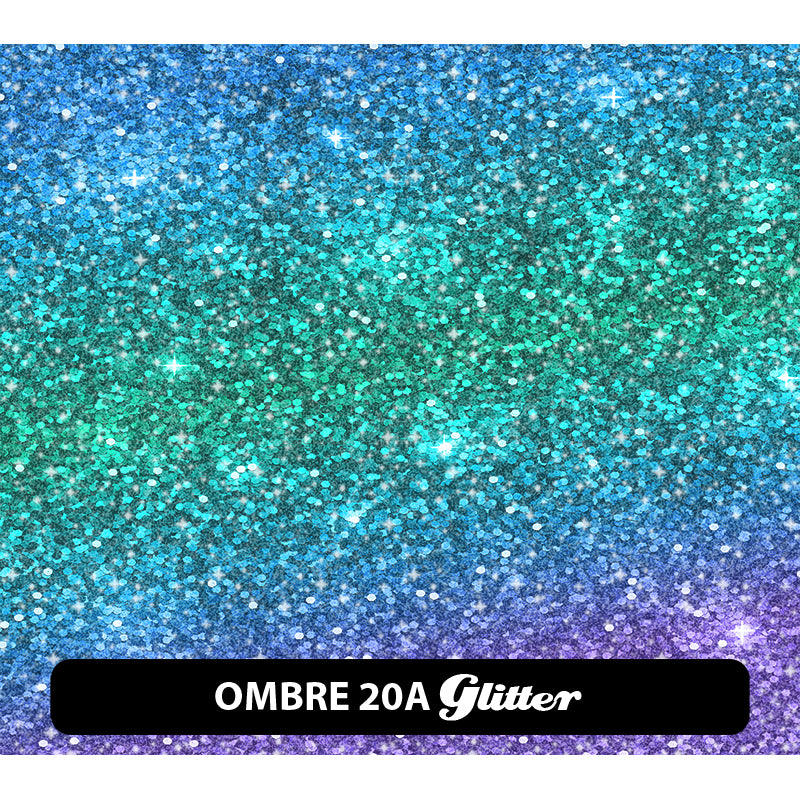
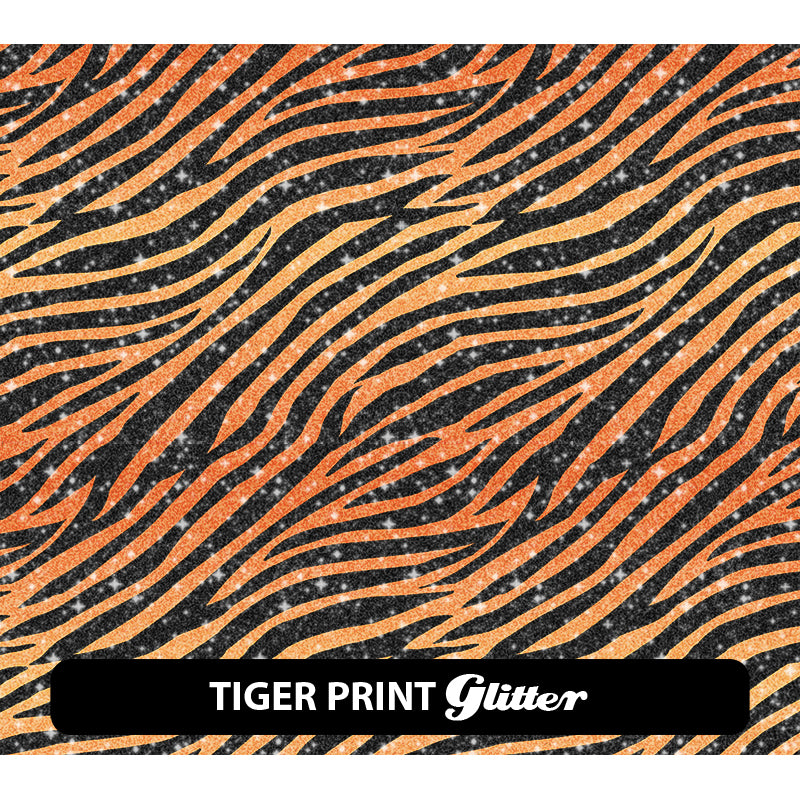
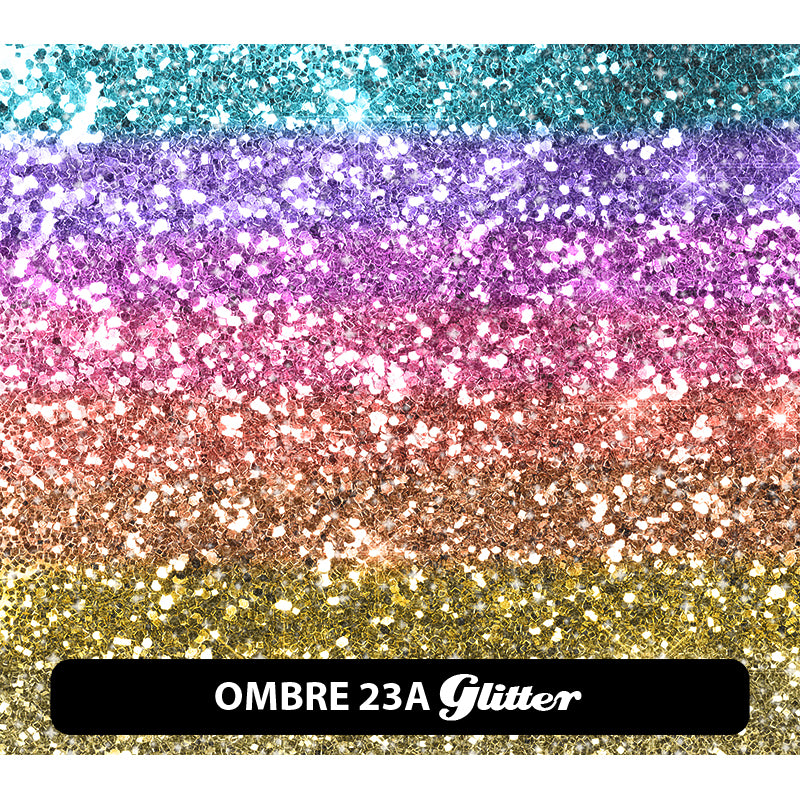
All patterns are printed as shown in the swatches. HTV4U Patterned Heat Transfer Vinyl is the perfect media for your needs!
🔥 320°F · 15–20 sec · 🎨 22 options
🔥 Overview
About this product
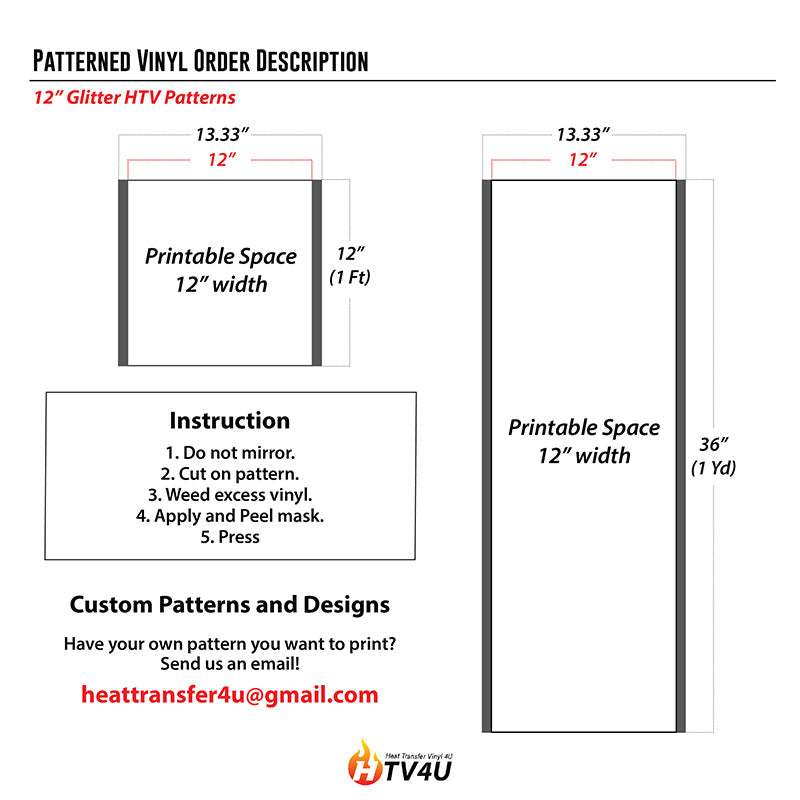
Cut on Pattern Side and DO NOT MIRROR. After weeding excess vinyl, apply HT-Glitter Mask to transfer design off of the backing and place on your garment face up. We have a tons of variety and colors for you to choose from!
🔥 Application
Application instructions
Heat press
- Cut material – don’t mirror!
- Weed excess material
- Mask with HT-Glitter Mask
- Preheat garment for 2-3 seconds
- Apply design at 320°F/160°C
- Use medium pressure for 15-20 seconds
- Peel carrier warm
Home iron
- Set iron dial between Cotton and Linen
- Cover design with Kraft paper or non-stick cover sheet
- Place on flat, hard surface (ironing board not recommended)
- Press iron with medium/firm pressure (do not slide iron)
- Press each section of design for 10-15 seconds
- If areas of design lift after application, replace cover sheet and re-press for 10 seconds
- Peel carrier warm
✂️ Cutter settings
Recommended cutter settings
🧺 Fabrics & care
Where it goes & how to wash it
Applies to
- 100% cotton
- Poly/cotton blends
- 100% polyester
- Leather
- Lycra®/spandex
Laundering
- Wait 24 hours before 1st wash
- Machine wash cold / mild detergent
- Dry on normal dryer setting
- Do not dry clean
- Do not bleach
🧰 Recommended
Recommended accessories
- Siser Weeder
- HT-Glitter Mask
Ready to order?
Choose your option above and add it to your cart.
On qualifying orders.
Order by 3 PM PT.
Buena Park, CA.
❓ FAQ
Frequently asked questions
What temperature do I press at?
What can I apply it to?
💬 Contact
Questions about this product?
Our Buena Park team is happy to help with sizing, compatibility, and orders.
🏷️ This product is excluded from all promotional discounts and offers.
