




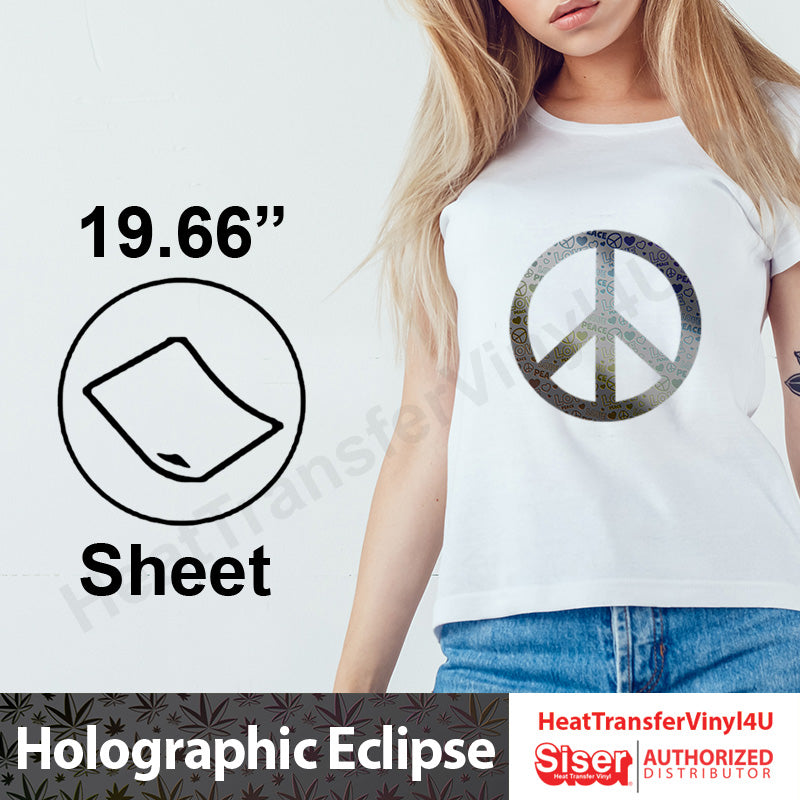
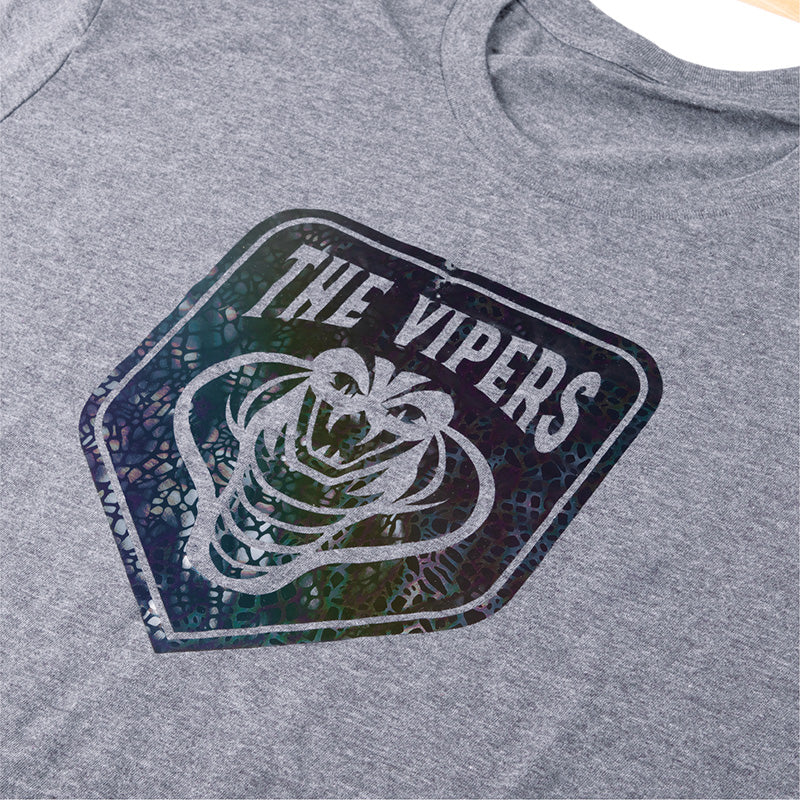
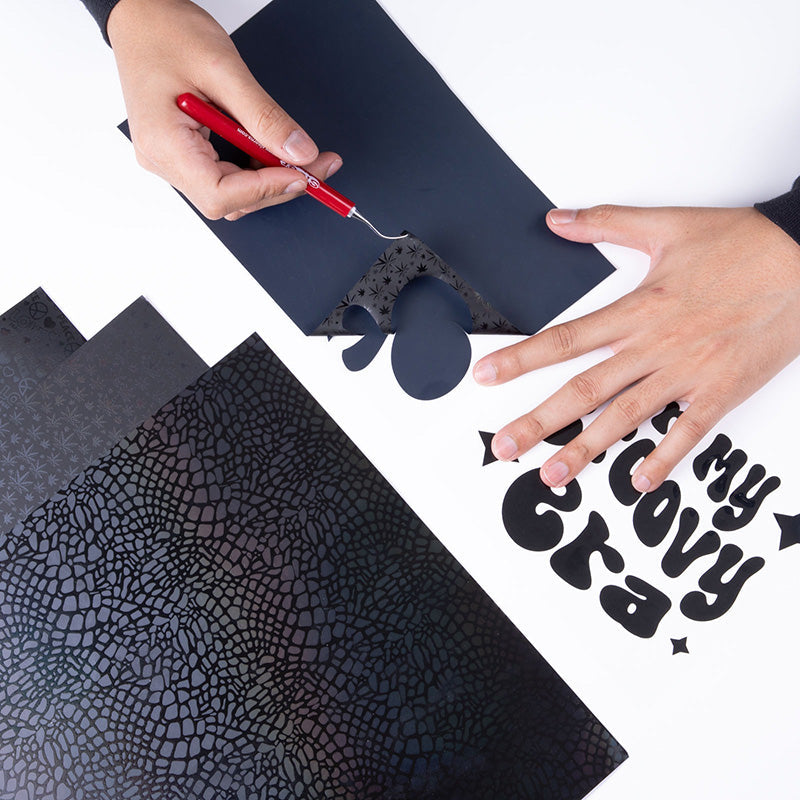
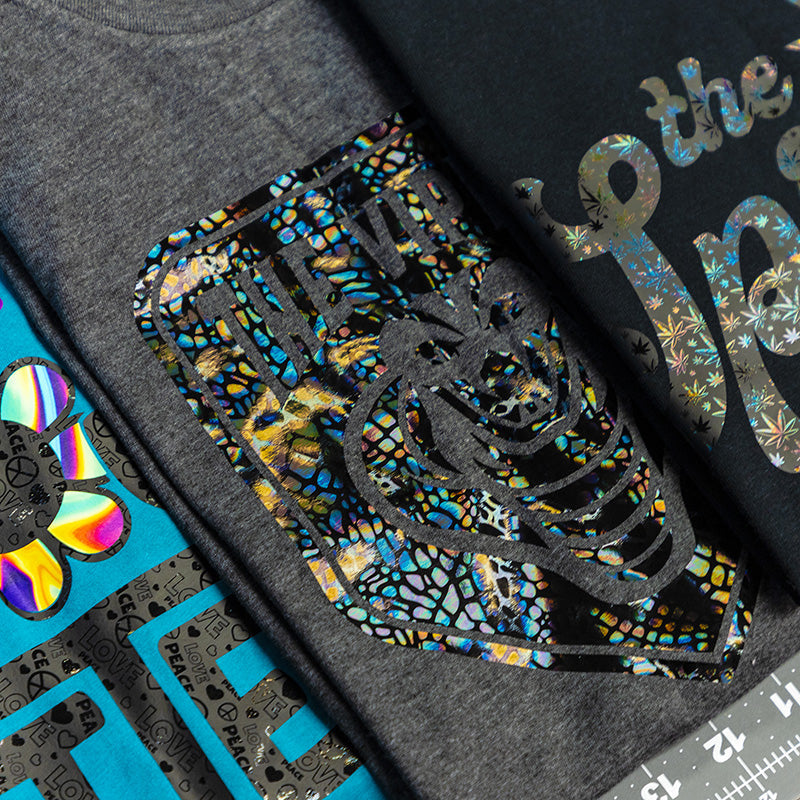
Siser Holographic Eclipse 19.66" x 12" Sheet
Give you designs some attitude with Holographic Eclipse
Featuring a matte base with high-gloss patterns in all black, Holographic Eclipse depicts a fun, moody look. True to the Holographic name, the high-gloss patterns also give off a subtle color-changing effect in the light! This listing is a 19.66" wide × 12" long sheet.
📄 19.66" x 12" sheet · 🔥 305°F · 10–15 sec · 🎨 3 options
🔥 Overview
About this product
Holographic Eclipse measures in at just 90 microns— the same as EasyWeed! This not only makes it easier to cut and weed, but designs will also feel soft and lightweight when applied onto garments. Holographic is CPSIA Certified so it’s perfect for decorating items intended for children.
📋 Specifications
Details
🧪 Material
Material properties
- Polyester Composition
- Pressure sensitive backing
- Matte base with high-gloss patterns
- 90 Microns/3.54 Mils
- 45°/60° blade
- Cannot be Layered
🔥 Application
Application instructions
Heat press
- Cut in Reverse
- Weed excess material
- Preheat garment for 2-3 seconds
- Apply design at 305°F/150°C
- Use medium pressure for 10-15 seconds
- Peel carrier cold
Home iron
- Set iron dial between Cotton and Linen
- Cover design with Kraft paper or non-stick cover sheet
- Place on flat, hard surface (ironing board not recommended)
- Press iron with medium/firm pressure (do not slide iron)
- Press each section of design for 10-15 seconds
- If areas of design lift after application, replace cover sheet and re-press for 5-10 seconds
- Peel carrier cold
✂️ Cutter settings
Recommended cutter settings
🧺 Fabrics & care
Where it goes & how to wash it
Applies to
- 100% cotton
- Poly/cotton blends
- 100% polyester
- Leather
Laundering
- Wait 24 hours before 1st wash
- Machine wash warm or cold / mild detergent
- Dry on normal dryer setting
- Do not dry clean
🧰 Recommended
Recommended accessories
- Siser Weeder
🎬 Watch
See it in action
Ready to order?
Choose your option above and add it to your cart.
On qualifying orders.
Order by 3 PM PT.
Buena Park, CA.
❓ FAQ
Frequently asked questions
What size is this?
What temperature do I press at?
What can I apply it to?
💬 Contact
Questions about this product?
Our Buena Park team is happy to help with sizing, compatibility, and orders.
